Why Turn Photos into Video Animations?
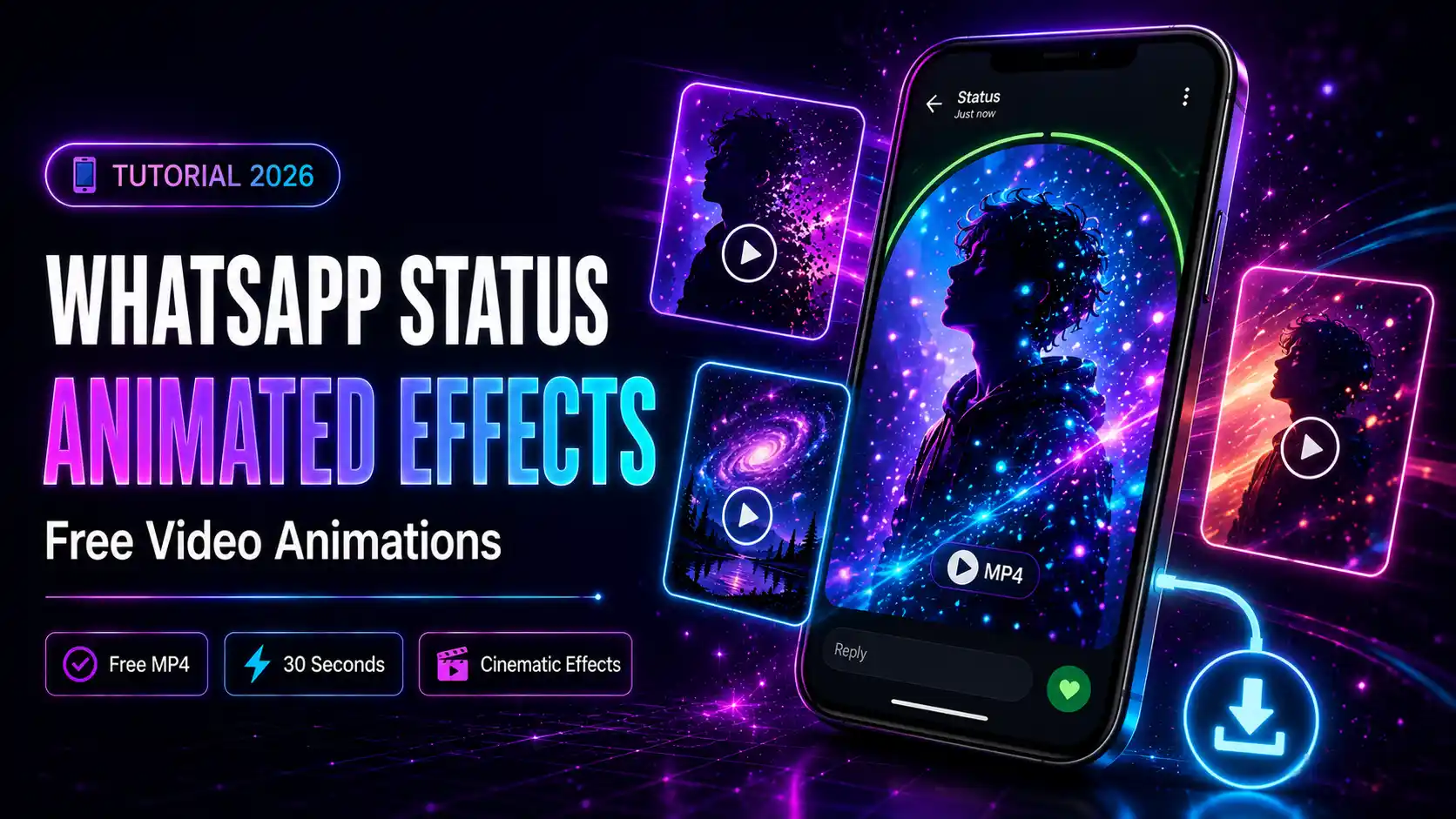
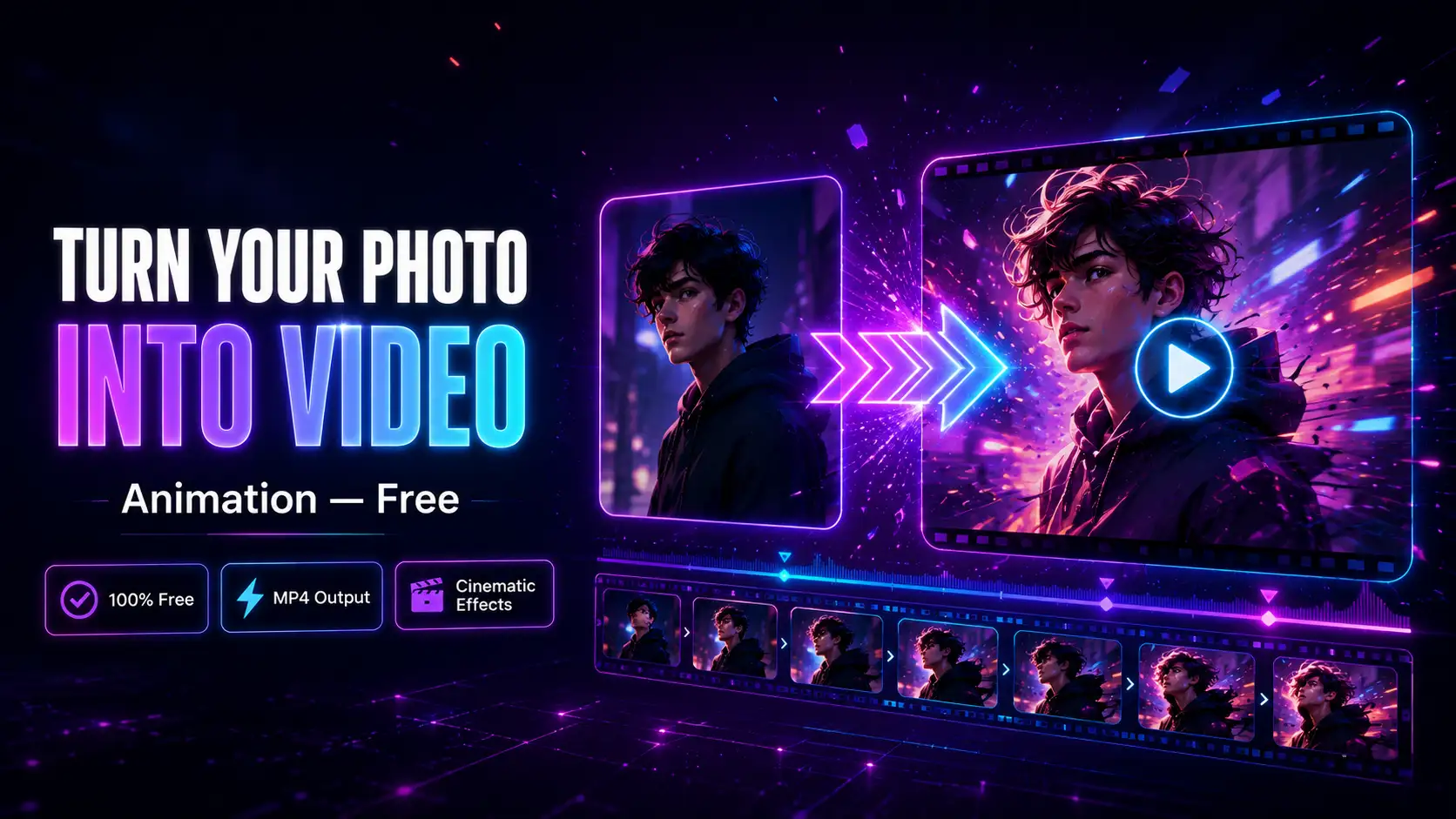
Video content gets dramatically more engagement than static images across every platform — Instagram, TikTok, WhatsApp, Telegram. But most people do not have the tools or skills to create professional video animations. The solution? Photo-to-video animation effects that automatically transform your still photo into a moving, animated video — in seconds, for free.What Are Photo-to-Video Animation Effects?
Photo-to-video effects apply animated overlays, particle effects, light leaks, and cinematic motion to your still photo, producing a looping MP4 video. The result looks like a professionally edited video clip, but all you needed was a single photo. Popular animation styles include:- Particle effects — glowing particles float around your subject
- Light leaks — cinematic light bursts sweep across the photo
- Galaxy animations — space-themed particle loops
- Fire and smoke effects — dramatic animated overlays
- Snow and seasonal effects — holiday-ready animated frames
- Use a clear, well-lit portrait or subject photo
- Avoid cluttered backgrounds
- Higher resolution gives smoother animation output
- Register free — get 50 credits instantly (enough for 25 video animations)
- Daily redeem — claim 10 free credits every day from your dashboard
- Paid plans — $5 for 500 credits, $20 for 2,500 credits
How to Turn Your Photo into a Video Animation Free
mypiceffects.com supports both image effects and video animation effects. Here is how to use them:Step 1 — Visit the Effects Page
Go to mypiceffects.com/effects and use the filter tabs at the top. Click 🎬 Video to show only video animation effects.Step 2 — Pick a Video Animation Effect
Browse the video effects and hover over any card to see the before/after preview. Video cards are marked with a 🎬 Video badge so you can spot them easily. Click the card to select your effect.Step 3 — Upload Your Photo
Drag and drop your photo into the upload area. JPG, PNG, and WebP are supported up to 10MB. For best results with video animations:Step 4 — Generate Your Video
Click ✨ Generate Effect. Video effects take slightly longer to process than image effects — usually 5-15 seconds. The result is a looping MP4 video that plays automatically.Step 5 — Download and Share
Click ⬇️ Download to save your MP4 file. Share it directly to Instagram Reels, TikTok, WhatsApp Status, or Telegram.How Much Does It Cost?
Video animation effects cost 2 credits each. Here is how to get free credits:Using Video Animation Effects via API
Developers can generate video animations programmatically using the same API endpoint:`
POST https://mypiceffects.com/api/generate
Authorization: Bearer YOUR_API_KEY
{
"effect_id": "52078041",
"photo_url": "https://yoursite.com/photo.jpg"
}
Response:
{
"success": true,
"media_url": "https://cdn.mypiceffects.com/result.mp4",
"type": "video",
"credits_remaining": 48
}
`
The type field in the response tells you whether the result is an image or video — so your app can handle both automatically.
Try It Free on mypiceffects.com
Ready to turn your photos into animated videos? Visit mypiceffects.com/effects, filter by Video effects, upload your photo, and download your MP4 in seconds — free. Register to get 50 credits on signup and 10 free daily credits forever.Try It Yourself — Free!
Apply 100+ creative photo effects and video animations online. 50 free credits on signup + 10 free credits every day.