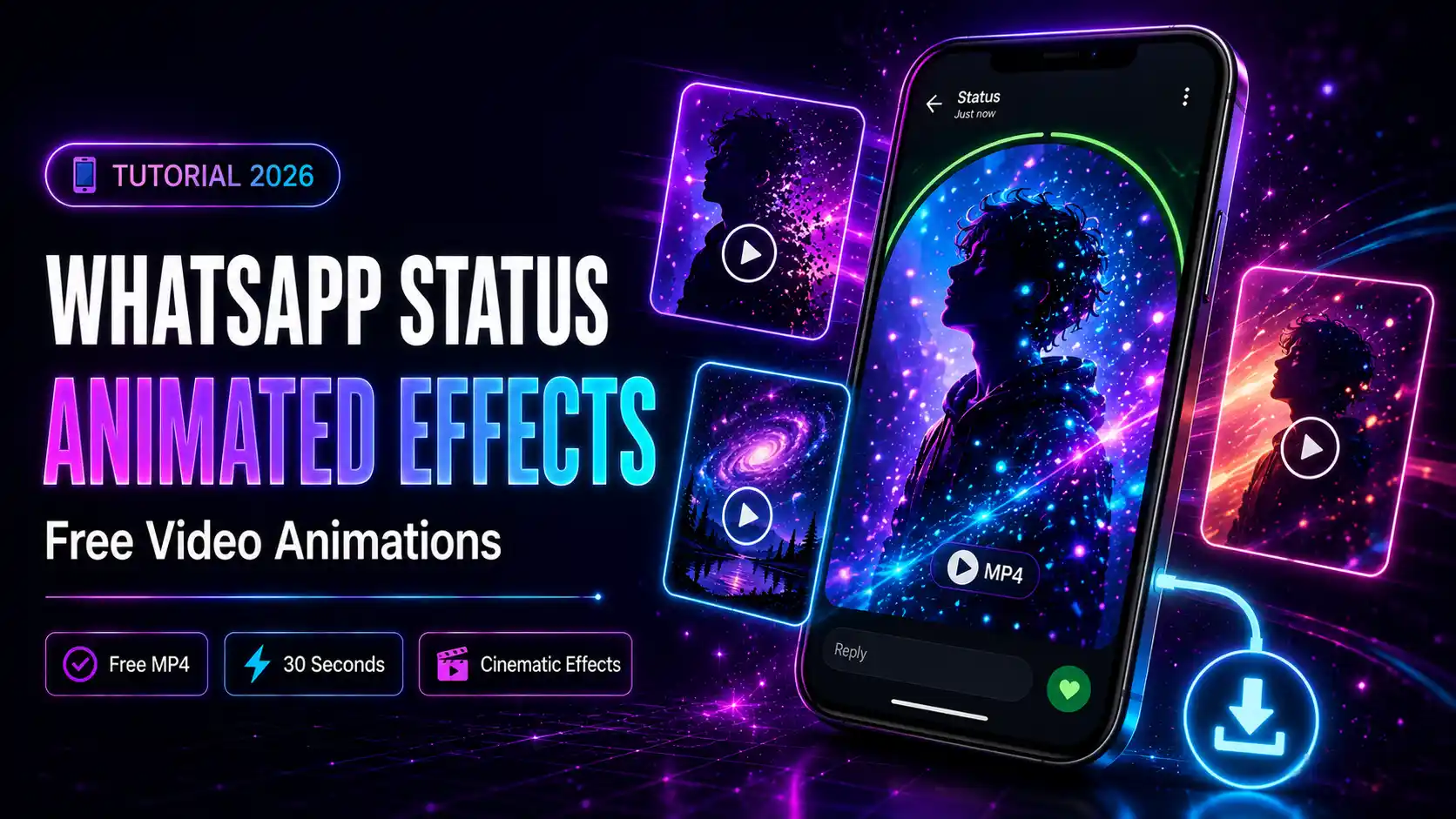
Why WhatsApp Status Needs Creative Photo Effects
WhatsApp Status is seen by all your contacts within 24 hours — making it one of the most viewed pieces of content you can share. But most Status posts are just ordinary photos or short videos. With animated photo effects and video animations from mypiceffects.com, your WhatsApp Status becomes genuinely eye-catching — cinematic light effects, particle animations, artistic filters, and more — all from a single photo, completely free.What Types of Effects Work Best for WhatsApp Status?
Video Animation Effects — Most Impactful
WhatsApp Status supports videos up to 30 seconds. Animated photo effects — which turn your still photo into a looping MP4 — are perfect for Status because:- They auto-play when someone views your Status
- Motion immediately grabs attention
- They look professionally edited with zero effort Popular animated effects for WhatsApp Status:
- Particle effects — glowing particles float around your subject
- Cinematic light leaks — warm light sweeps across the photo dramatically
- Galaxy animation — space-themed particle loops for a dramatic look
- Snow and rain overlays — seasonal and atmospheric effects
- Fire and smoke effects — bold animated overlays for striking visuals
- Oil painting — transforms your selfie into a work of art
- Neon glow — vivid neon colours perfect for night-mode aesthetics
- Cartoon portrait — stand out with a uniquely stylized look
- Vintage film — nostalgic aesthetic popular for lifestyle content
- Maximum video length: 30 seconds
- Maximum file size: 16MB
- Supported formats: MP4 Most animated effects from mypiceffects.com produce short loops well within these limits.
- Guest users — 2 free effects without signing up
- Register free — get 50 credits instantly (enough for 25 video animations)
- Daily redeem — claim 10 free credits every day from your dashboard (up to 5 video animations free daily)
- Paid plans — $5 for 500 credits if you want more
Image Effects — For Status Photos
For photo-based Status posts, artistic effects dramatically improve how your content looks:How to Create Animated WhatsApp Status — Step by Step
Step 1 — Visit mypiceffects.com/effects
Open mypiceffects.com/effects in your browser — works on mobile and desktop. No app download needed.Step 2 — Filter by Video Effects
Click the 🎬 Video filter tab to show only video animation effects. These produce MP4 output — exactly what you need for an animated WhatsApp Status.Step 3 — Select Your Effect
Hover over any card to preview the animation. Click the card to select the effect. The Effect ID appears in the upload panel.Step 4 — Upload Your Photo
Tap or drag your photo into the upload area. For WhatsApp Status, portrait-orientation photos work best. JPG, PNG, and WebP are supported up to 10MB.Step 5 — Generate Your Animated Video
Tap ✨ Generate Effect. Video effects typically take 5-15 seconds to process. The result is a looping MP4 video that plays automatically.Step 6 — Download and Upload to WhatsApp
Tap ⬇️ Download to save the MP4 to your device. Then open WhatsApp, go to Status, and upload the video file directly. WhatsApp Status video limits:How Many Free Animated Effects Can You Get?
Using mypiceffects.com on Mobile
The website is fully optimised for mobile browsers — you can complete the entire process on your phone: 1. Open mypiceffects.com/effects in Chrome or Safari on your phone 2. Browse and select an effect 3. Tap the upload area to pick a photo from your camera roll 4. Tap Generate — wait for the result 5. Tap Download — it saves directly to your phone 6. Go to WhatsApp → Status → upload the saved video The whole process takes under a minute.Try It Free on mypiceffects.com
Make your next WhatsApp Status unforgettable. Visit mypiceffects.com/effects, pick a video animation effect, upload your photo, and download your animated video in seconds — free. Register to unlock 50 free credits plus 10 free daily credits forever.Try It Yourself — Free!
Apply 100+ creative photo effects and video animations online. 50 free credits on signup + 10 free credits every day.