What Is the Oil Painting Photo Effect?
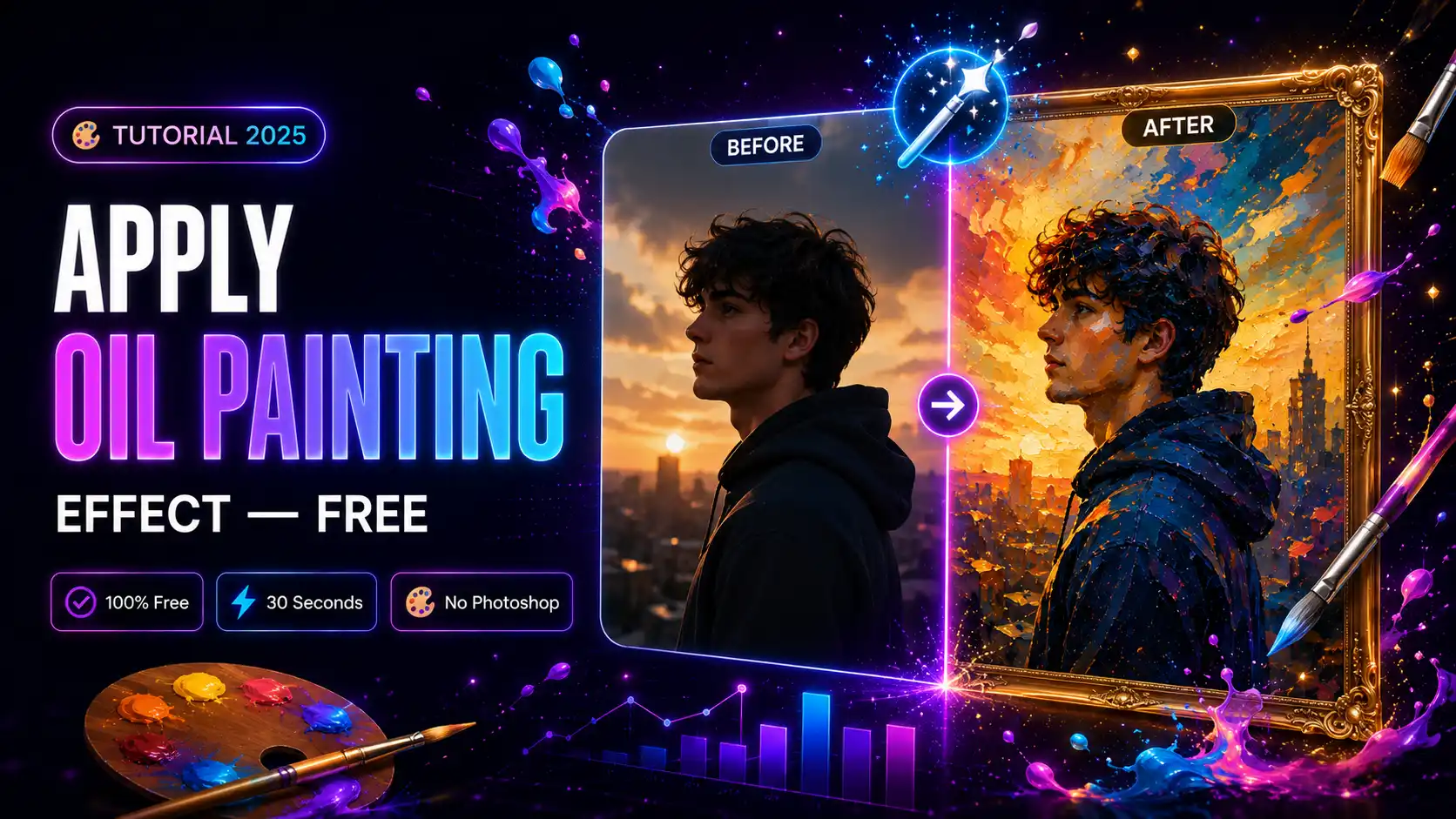
The oil painting effect transforms any ordinary photo into a stunning piece of digital art that looks like it was painted by hand. Rich textures, warm tones, and bold brush strokes make your photo look like a masterpiece — in seconds. The best part? You do not need Photoshop, design skills, or any paid software. You can apply a professional oil painting effect to your photo completely free online at mypiceffects.com.Why Use an Oil Painting Effect?
Oil painting effects are one of the most popular creative photo filters for a reason:- Instagram & social media — stands out in a feed full of regular photos
- Profile pictures — unique, artistic, memorable
- Gifts & prints — turn family photos into wall art
- Creative projects — posters, invitations, digital art Whether you are a casual user, a content creator, or a developer building a photo editing app, the oil painting effect is a must-have.
- Use portrait photos or photos with clear subjects
- High resolution photos produce sharper results
- Photos with natural lighting work best
- Register free — get 50 credits instantly on signup
- Daily redeem — claim 10 free credits every day from your dashboard
- Paid plans — start from just $5 for 500 credits
How to Apply the Oil Painting Effect Free Online
Applying an oil painting effect on mypiceffects.com takes under 30 seconds. Here is exactly how:Step 1 — Go to the Effects Page
Visit mypiceffects.com/effects and browse the effects library. You can filter by category or search for portrait and artistic effects.Step 2 — Select the Oil Painting Effect
Click on the oil painting effect card. Hover over the card first to see the before/after comparison — you will immediately see how dramatically it transforms a photo. Once you click the card, it highlights in the upload panel on the right.Step 3 — Upload Your Photo
Drag and drop your photo into the upload area, or click to browse your files. JPG, PNG, and WebP formats are supported up to 10MB. Tips for best results:Step 4 — Click Generate
Hit the ✨ Generate Effect button. Processing takes a few seconds. The result appears directly below — a fully rendered oil painting version of your photo.Step 5 — Download Your Result
Click the ⬇️ Download button to save your result. Want to try a different effect? Click 🔄 Try Another and start over.How Many Free Generations Do You Get?
You can try 2 effects without creating an account. To unlock more:Using the Oil Painting Effect via API
If you are a developer building a photo editing app, you can apply the oil painting effect programmatically via our REST API:`
POST https://mypiceffects.com/api/generate
Authorization: Bearer YOUR_API_KEY
{
"effect_id": "21998390",
"photo_url": "https://yoursite.com/photo.jpg"
}
`
The API returns the processed image URL in JSON format. Works with PHP, Python, Node.js, cURL, and any language that can make HTTP requests.
Try It Free on mypiceffects.com
Ready to turn your photos into oil paintings? Visit mypiceffects.com/effects, select the oil painting effect, upload your photo, and download your result in seconds — completely free. Register for a free account to get 50 credits on signup plus 10 free credits every single day.Try It Yourself — Free!
Apply 100+ creative photo effects and video animations online. 50 free credits on signup + 10 free credits every day.