What We Are Building
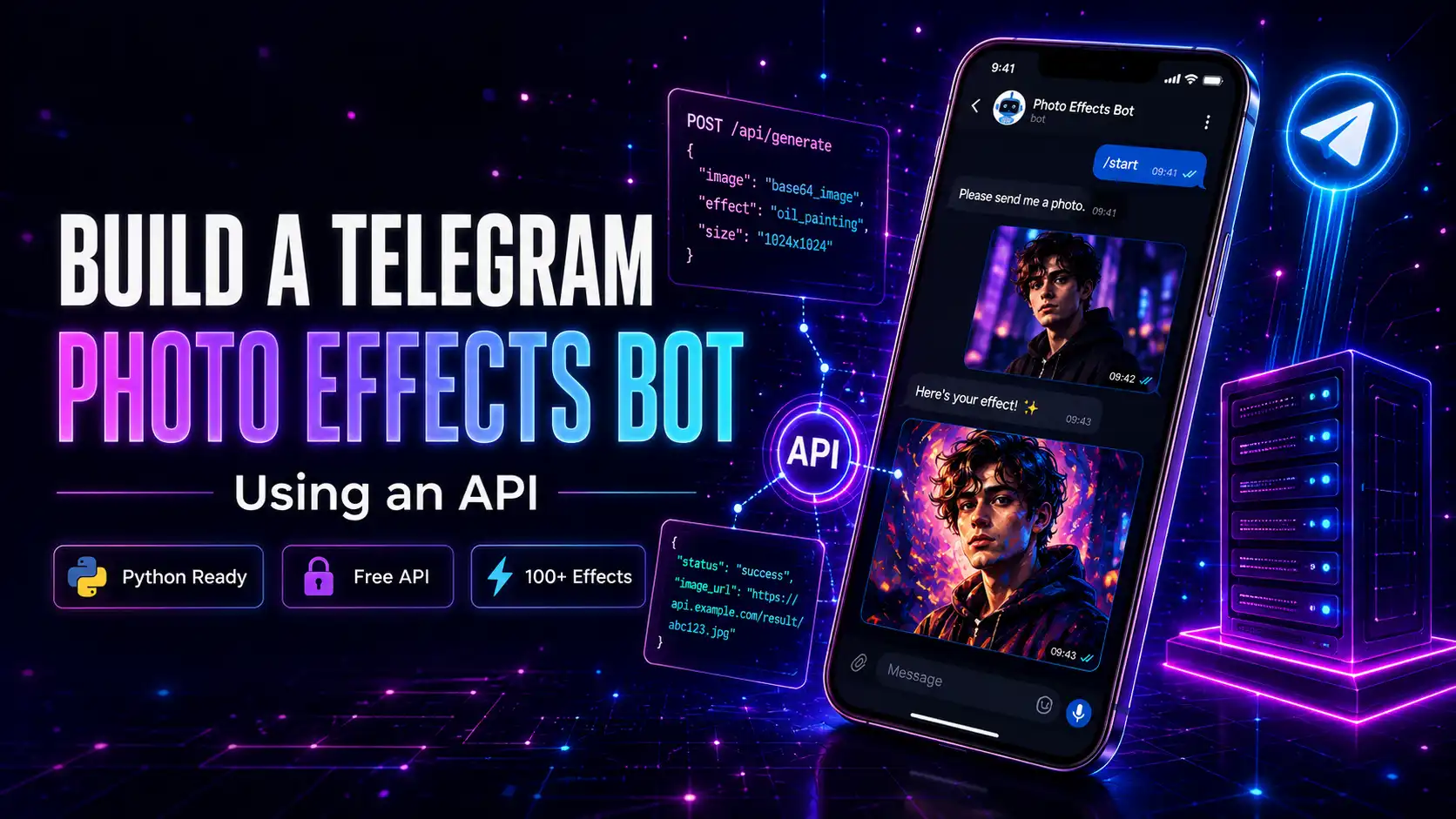
In this guide, we will build a Telegram bot that:- Receives a photo from a user
- Applies a creative photo effect using the mypiceffects.com API
- Sends the processed result back to the user The entire process takes under a minute per photo — and your bot can handle thousands of requests per day.
- Simple POST request — works in any language
- 50 free credits on signup + 10 free daily
- Supports both image and video animation effects
- Reliable infrastructure — no IP blocks or rate limit issues
- JSON response with direct media URL
- 1 credit = 1 photo effect (image output)
- 2 credits = 1 video animation (MP4 output)
- 50 free credits on signup
- 10 free credits to redeem daily
- Paid plans start at $5 for 500 credits
Why Use the mypiceffects.com API?
Building photo effects from scratch is extremely complex. The mypiceffects.com API gives you instant access to 100+ creative effects — oil painting, cartoon, vintage, neon, video animations, and more — through a simple REST endpoint. Key advantages:Step 1 — Get Your API Key
Register at mypiceffects.com/register — your API key is generated instantly. You will find it on your dashboard.Step 2 — Get a Telegram Bot Token
1. Open Telegram and search for @BotFather 2. Send/newbot and follow the prompts
3. Copy your bot token (looks like 110201543:AAHdqTcvCH1vGWJxfSeofSs4tAcpoH9VbhQ)
Step 3 — Choose an Effect ID
Go to mypiceffects.com/effects, browse the library, and select any effect. The Effect ID appears in the upload panel after selection — click Copy to copy it. For this tutorial, we will use Effect ID21998390 (Oil Painting).
Step 4 — Build the Bot (Python Example)
`
pip install python-telegram-bot requests
`
`
import requests
from telegram import Update
from telegram.ext import ApplicationBuilder, MessageHandler, filters
TELEGRAM_TOKEN = "YOUR_TELEGRAM_BOT_TOKEN"
MYPICEFFECTS_KEY = "YOUR_API_KEY"
EFFECT_ID = "21998390"
async def handle_photo(update, context):
# Get the photo file URL from Telegram
photo = update.message.photo[-1]
file = await context.bot.get_file(photo.file_id)
photo_url = file.file_path
await update.message.reply_text("✨ Applying effect...")
# Call mypiceffects.com API
response = requests.post(
"https://mypiceffects.com/api/generate",
headers={"Authorization": f"Bearer {MYPICEFFECTS_KEY}"},
json={"effect_id": EFFECT_ID, "photo_url": photo_url}
)
data = response.json()
if data.get("success"):
media_url = data["media_url"]
media_type = data["type"]
if media_type == "video":
await update.message.reply_video(media_url)
else:
await update.message.reply_photo(media_url)
else:
await update.message.reply_text("Sorry, could not process your photo. Try again!")
app = ApplicationBuilder().token(TELEGRAM_TOKEN).build()
app.add_handler(MessageHandler(filters.PHOTO, handle_photo))
app.run_polling()
`
Step 5 — Let Users Choose Effects
Want to let users pick their own effect? Add a menu:`
When user sends /effects command
async def list_effects(update, context): effects = { "Oil Painting": "21998390", "Cartoon Portrait": "22968319", "Galaxy Space": "51202534" } text = "Choose an effect: " for name, eid in effects.items(): text += f"• {name} — ID: {eid} " await update.message.reply_text(text)`
API Pricing for Bots
The mypiceffects.com API uses a simple credit system:Try It Free on mypiceffects.com
Ready to build your Telegram photo bot? Register at mypiceffects.com/register for your free API key — 50 free credits to start building immediately. Check the full API documentation at mypiceffects.com/docs.Try It Yourself — Free!
Apply 100+ creative photo effects and video animations online. 50 free credits on signup + 10 free credits every day.